
 l33n12
Why Your Brand’s Look Matters More Than Ever
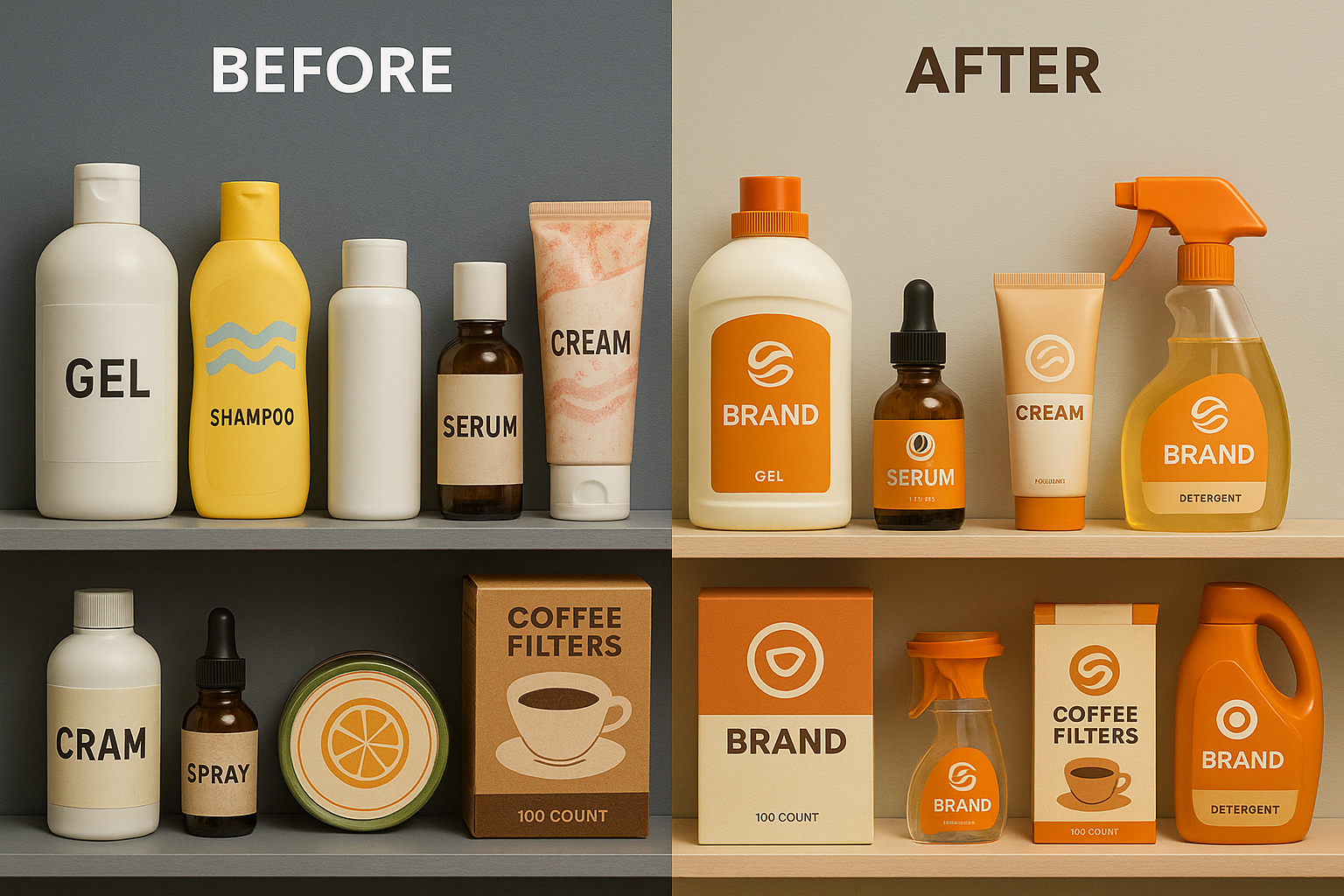
What people see when they first encounter your brand sticks. A clean, thoughtful visual identity does more than make things pretty—it anchors trust, builds recognition, and sets the emotional tone for everything you offer. In today’s attention economy, those first visual impressions can mean everything.
And now, thanks to tools like GenSpark AI, you don’t need a five-figure agency to create an unforgettable brand presence. Whether you’re launching something new or refreshing your visuals, GenSpark gives you the creative power to build your own story—visually, emotionally, and strategically.
The Rise of GenSpark: What It Is, and Why It Matters
GenSpark AI isn’t just a visual toy. It’s a powerful image-generation platform designed to help creators and businesses craft professional, scroll-stopping visuals with intention. From logos to social assets to brand style guides, you can generate it all with clarity and control.
What sets GenSpark apart? It’s not just fast—it’s intentional. You describe your brand’s essence, and it gives you a visual world to match. And compared to traditional design processes? The speed, affordability, and freedom to iterate make it a game-changer.
Try it here → GenSpark AI
Build Your Visual Brand Kit: From Logos to Social Templates
1. Create a Logo with Purpose
Start with a clear idea of your brand personality. Then craft a GenSpark prompt like this:
“Design a clean, minimalist logo for an eco-luxe skincare brand. Use forest green (#2E4B3C) and soft gold accents. Include a single leaf motif, rounded typography, and a white background.”
Within seconds, you’ll have a logo that looks custom—and feels on brand. You can tweak colour, shape, or layout until it’s just right.

2. Build Out Your Brand’s Visual Language
Once the logo’s locked in, you’ll want supporting visuals that make your brand feel consistent everywhere. That means:
- A reliable colour palette
- Matching fonts for headlines and body text
- Graphics and patterns that feel like “you”
GenSpark makes this process almost effortless. Just describe your brand’s vibe, and it will create a full visual world that echoes your tone. Use it to build social post templates, banners, email headers—even YouTube thumbnails.

Prompting Like a Pro: How to Get the Right Look with GenSpark
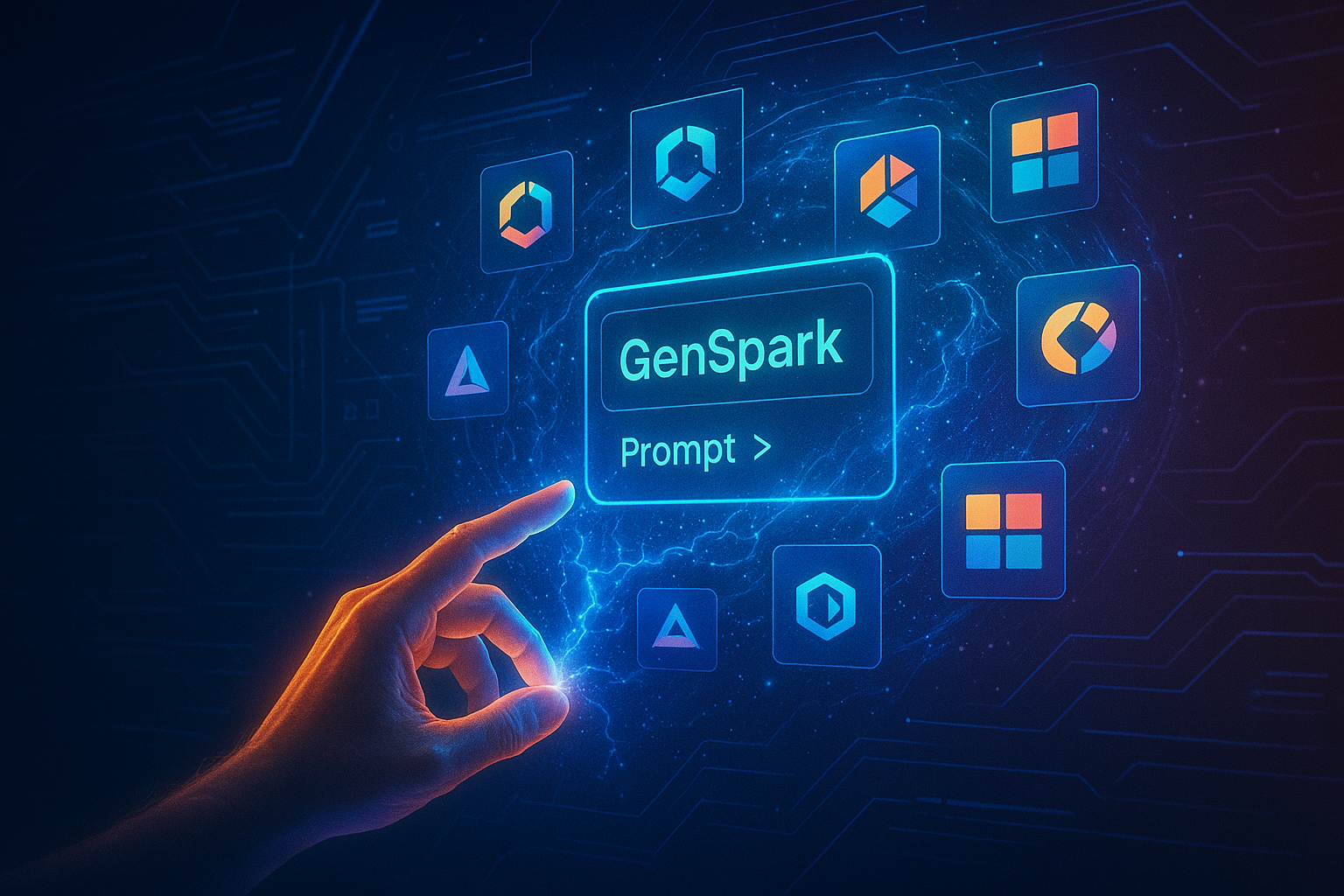
Prompts are everything. When done right, they bring out visuals that not only look good—but feel emotionally right.
Use words that guide both style and emotion:
- Mood: “playful,” “elevated,” “bold”
- Symbols: “compass,” “wave,” “leaf,” “sun”
- Tone: “trustworthy but not stiff,” “fresh and confident”
Want your brand to feel like a dependable expert? Say so. Want to be quirky and bold? Add that. GenSpark will mirror your tone visually.
A Real-World Example: From Local Shop to Cohesive Brand
Picture this: a small-batch coffee roaster based in Portland wants to grow online. They use GenSpark AI to create:
- A custom logo with a coffee bean inside a badge-style circle
- Earthy, calming brand colours (deep brown, cream, copper)
- Social templates showing their roasting process and behind-the-scenes
Within two months of launching the new brand visuals, they saw:
- 30% more social media engagement
- A double-digit lift in product sales
- Consistent feedback on their “professional” look


What to Do (and Avoid) as You Build Your Brand with GenSpark
Do:
✅ Keep visuals simple, bold, and readable
✅ Save your favourite GenSpark prompts so you can maintain consistency
✅ Test how your branding looks on both mobile and desktop
Avoid:
❌ Getting too complex with your logo—simplicity wins
❌ Using wildly different styles for each post
❌ Forgetting to download backups of your best image versions
Wrap Up: Design with Intention, Brand with Confidence
You don’t need to spend weeks (or thousands) to get a brand identity that stands out. With GenSpark AI, you can move from idea to execution in hours—not months. The right visuals won’t just look good—they’ll feel like you.
The next time someone lands on your page, they won’t just see a logo—they’ll feel your story.

🔧 Products / Tools / Resources
- GenSpark AI – Visual generation tool used in this guide
- Coolors.co – Color palette creator to complement GenSpark outputs
- Fontpair.co – Helps match brand fonts for consistency
- Canva Pro – For editing and placing GenSpark-generated assets into templates
- Looka – Secondary logo inspiration tool if you want backup variations
Pros and Cons
Pros
Fast visual generation Professional-quality outputs Affordable compared to traditional design agencies Easy iteration and refinement Intuitive prompt-based interfaceCons
May not replace expert designers for highly complex or specialized design needs Requires clear and well-structured prompt input for best resultsTechnical Specifications
Related Reviews
How to Start Affiliate Blogging and Earn Fast in 2025: Step-by-Step Guide
Starting affiliate blogging in 2025 is one of the most lucrative opportunities for earning passive income online. With the right… Continue reading “How to Start Affiliate Blogging and Earn Fast in 2025: Step-by-Step Guide”
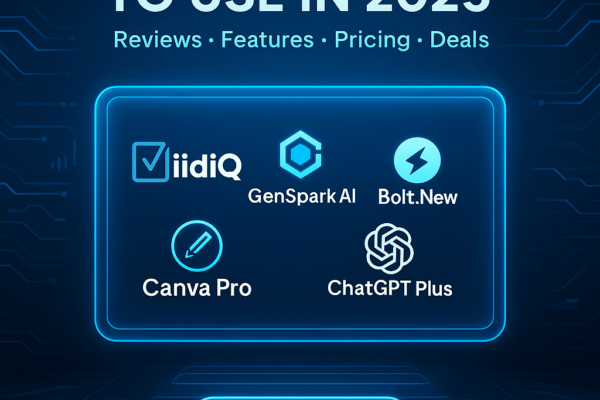
Top 5 AI Tools You Should Use in 2025 (Review & Affiliate Promo)
Discover the top 5 AI tools you should use in 2025. Complete reviews with features, pricing, pros & cons, and exclusive affiliate deals for VidiQ, GenSpark AI, Bolt.New, Canva Pro, and ChatGPT Plus to boost productivity.
Pros
- Comprehensive coverage of top AI tools
- Detailed feature analysis for each tool
- Includes pricing and comparison table
Cons
- Requires subscription for full features on most tools
- Learning curve for beginners on some platforms
- Costs can add up if using multiple tools
Rank Fast on YouTube: The 48-Hour VidiQ Strategy That Works in 2025
Discover how to rank your YouTube videos fast in 2025 with the 48-hour VidiQ strategy. Step-by-step playbook, keyword hacks, and growth tactics for explosive channel results. Includes affiliate guide for VidiQ tools and resources.
Pros
- Powerful free metrics
- Chrome overlay
- Fast keyword targeting
Cons
- Paid features require upgrade
- Learning curve for beginners
- Niche features may confuse new users